The viral bob haircut prank, from one photo
Upload a photo and get an 8-second video where hands come in with scissors, cut the hair on camera, and reveal a sleek bob. No real haircut required.
What is the bob haircut prank?
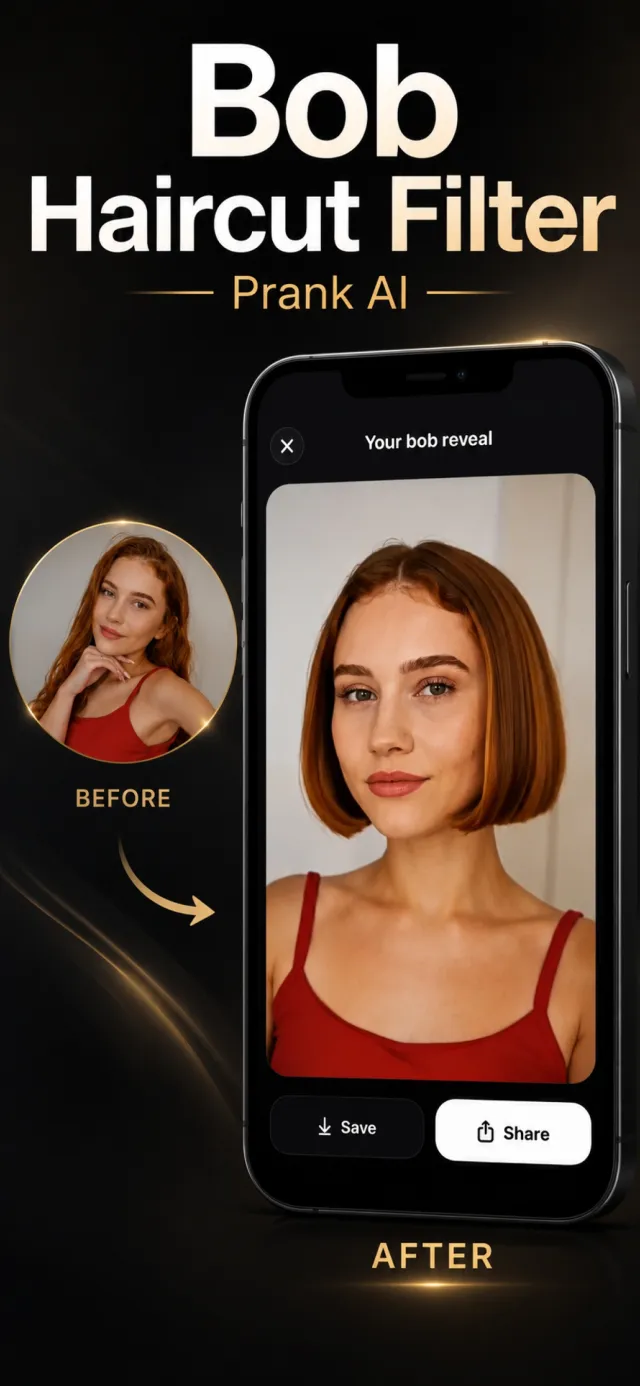
It's the short video taking over TikTok and Reels: someone appears to chop their long hair on camera and instantly reveals a chin-length bob. Bob Haircut Filter recreates that reveal from a single still photo — the same falling hair, the same camera-locked framing, the same satisfied head turn at the end — so you can fake the look convincingly without touching real hair.
See the reveal unfold
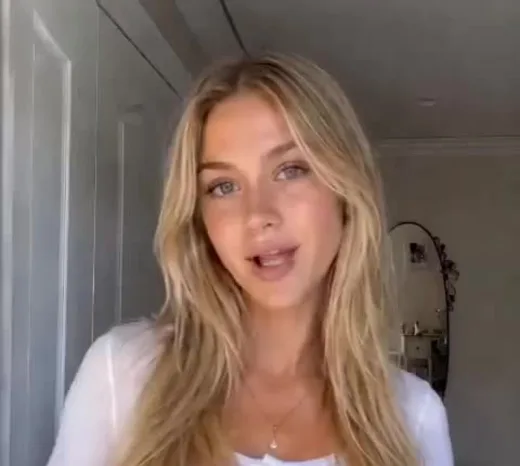
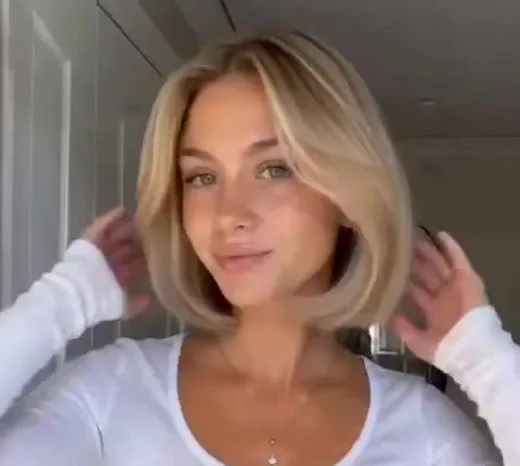
Four real frames from one generated video — long hair, scissors, falling hair, finished bob.
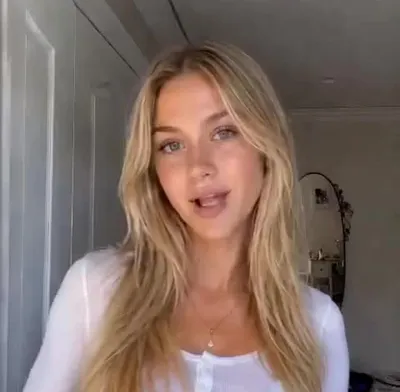 1. Start: long hair
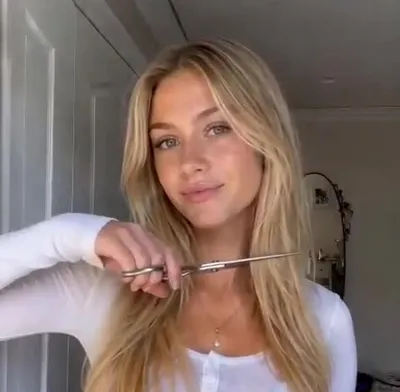 2. Scissors on camera
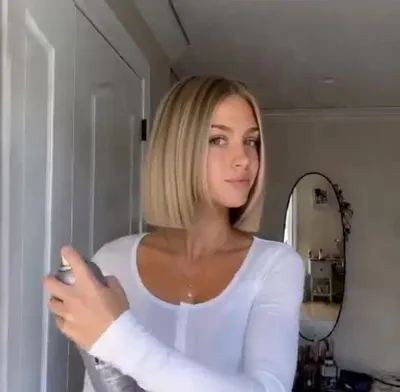 3. Hair falls
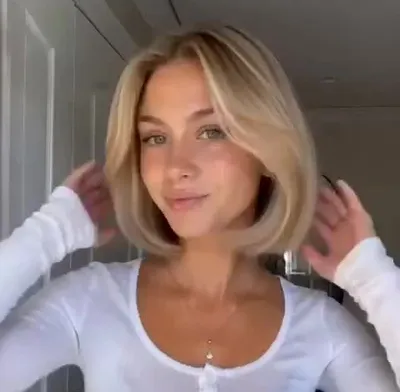 4. The bob reveal
Before & after
The first and last frame of a single Bob Haircut Filter video.
How it works
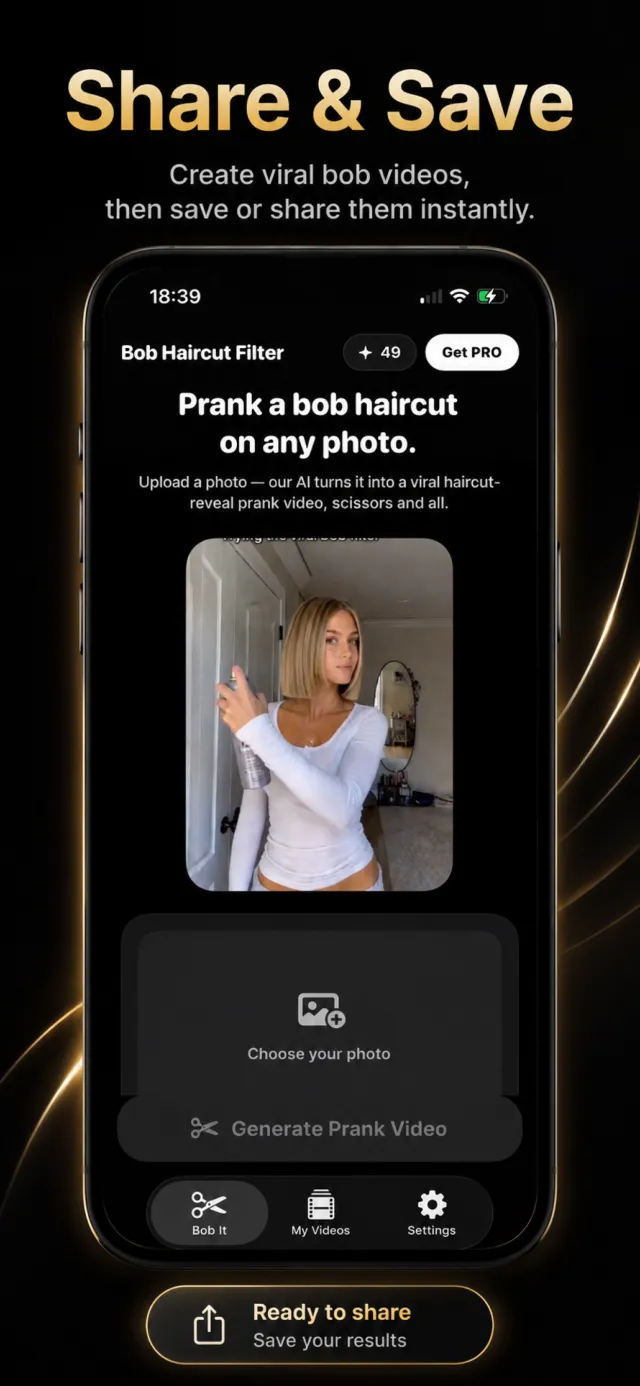
Pick a photo
Choose one clear photo of yourself — or anyone whose photo you're allowed to use. Long hair worn down makes the reveal more dramatic.
Tap Generate
One button. There's no style menu and nothing to set up. The app sends your photo to the AI and starts rendering.
Save and share
Your ~8 second video is ready in about five minutes. Save it to your camera roll or share straight to TikTok, Reels, or Snapchat.
Why people use it
A real cut-and-reveal
Hands enter the frame with scissors, the hair is visibly cut, and a sleek bob is revealed — not a static overlay.
Camera-locked framing
The shot stays still the whole time, matching the viral trend exactly instead of drifting or warping.
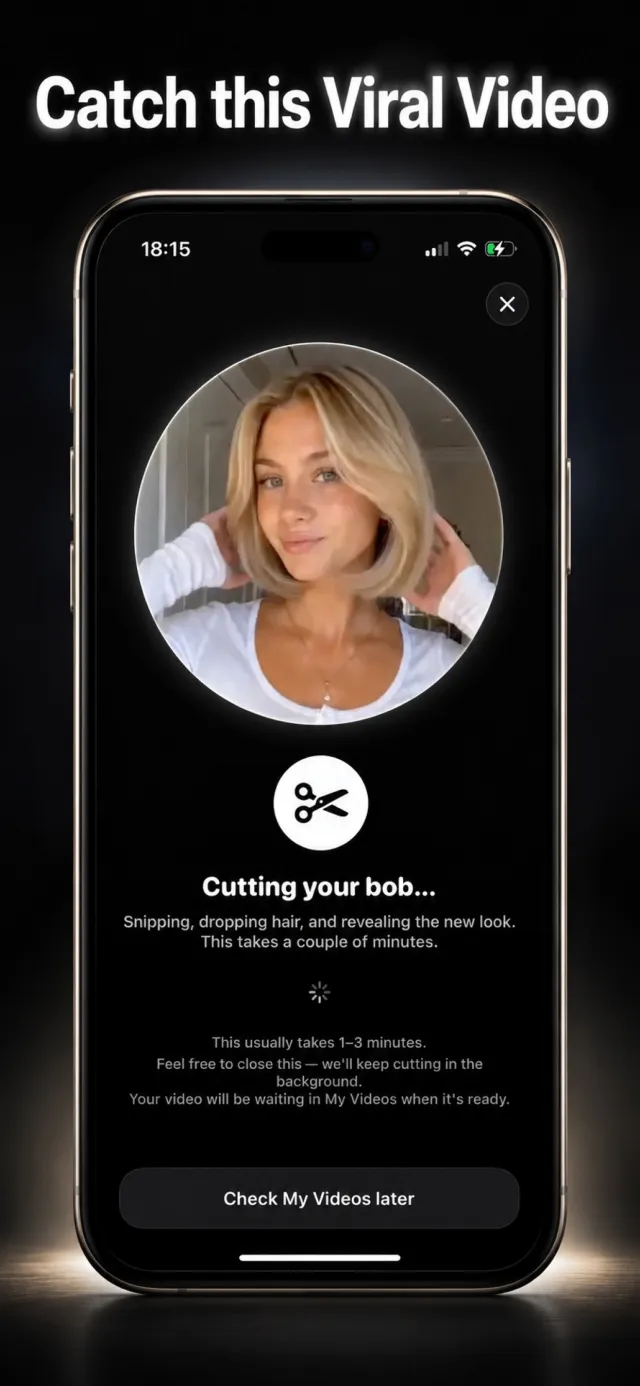
Renders in the background
Keep using your phone. The video generates on a server and lands in My Videos when it's done.
Ready to post
Vertical output sized for TikTok, Instagram Reels, and Snapchat with no reframing.
No editing skills
Pick a photo, tap once. That's the whole process.
Photos aren't stored or trained on
Your photo is used only to make your video. An in-app screen names the AI provider before anything is sent.
Frequently asked questions
Is this a real haircut?
No. Bob Haircut Filter generates an AI video from your photo. Nothing is cut, and the video shows an event that didn't happen — it's for fun, prank clips, and previewing a bob.
How long does a video take?
About five minutes on average. The render runs in the background, so you can close the app and find the finished clip in the My Videos tab.
What does it cost?
The app is free to download. Each video costs one credit. A weekly subscription includes 2 credits per week, a yearly subscription includes 3 per week, and a one-time pack grants 5 credits. Credits stack while a subscription is active. There are no free starter credits.
Can I make a video of someone else?
Only with their permission. Don't create or post a haircut video of another person without their consent.
What photo works best?
A clear, well-lit, forward-facing photo where the whole face is visible and the hair is worn down. The app builds the video around your photo, so a sharp source image gives a cleaner result.
Is my photo private?
Your photo is used only to generate your video. It is not used to train AI and is not stored on the app's servers. The app shows a consent screen naming the third-party AI provider before your photo is sent.
Which devices are supported?
iPhone running iOS 17.0 or later.
Is Bob Haircut Filter affiliated with TikTok or Instagram?
No. It's an independent app. Video output is formatted for those platforms but the app isn't connected to or endorsed by them.
From the blog
The trend, the etiquette, the tech, and the tips.
What Is the Bob Haircut Prank Trend?
The viral haircut-prank video explained: what happens in the clip, where it started, and why it spread so fast.
Prank Video CultureHow to Prank a Friend With a Fake Haircut Video
A simple, harmless way to make a friend think you (or they) got a dramatic bob — and how to reveal the joke.
AI Video, ExplainedHow AI Turns a Photo Into a Video
A plain-language explanation of what happens between uploading a still photo and getting a moving clip back.
Bobs & HairstylesTypes of Bob Haircuts, Explained
Classic, blunt, A-line, French, and the lob — what actually distinguishes the main bob variations.
Posting to TikTok, Reels & SnapThe Best Time to Post a Prank Video
What the timing advice actually comes down to, minus the myths.
Getting the Best ResultThe Best Photo to Use With Bob Haircut Filter
What makes a source photo produce a clean, believable haircut-reveal video.
Prank the bob. Keep your hair.
Bob Haircut Filter is free to download on the App Store.