App Screen
The home screen and photo picker
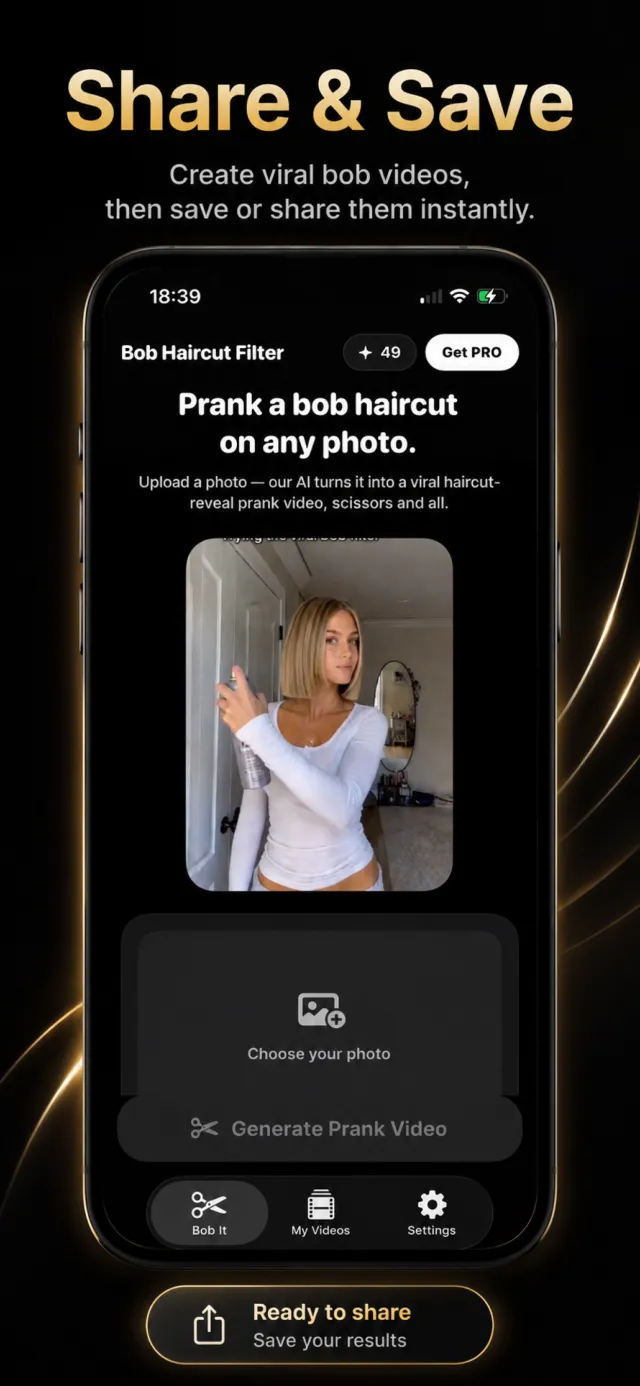
There is no style menu and no setup. Bob Haircut Filter does one thing, so the home screen is just a photo slot and a Generate Prank Video button, with a looping sample video above it.
The credit counter and Get PRO button sit in the top corner. Each video costs one credit; the bottom tab bar switches between the Bob It creation screen, your saved My Videos, and Settings.
Try it on your own photo
Bob Haircut Filter is free to download on the App Store.