Posting to TikTok, Reels & Snap
Adding Captions and Sound to a Prank Video
Most people watch short video without sound at first. Captions and a trending audio track cover both the muted and unmuted viewer.
Caption the setup
A single line of on-screen text explaining what is about to happen lets a muted viewer follow along and decide to stay.
Use platform-native audio
Adding a sound from the platform's own library can help a video surface in that sound's feed. A quiet trending track under a prank clip is enough.
Do not overcrowd the frame
One caption at a time, readable, out of the safe zones. Three stacked text boxes is worse than none.
Fake the bob before you commit to it
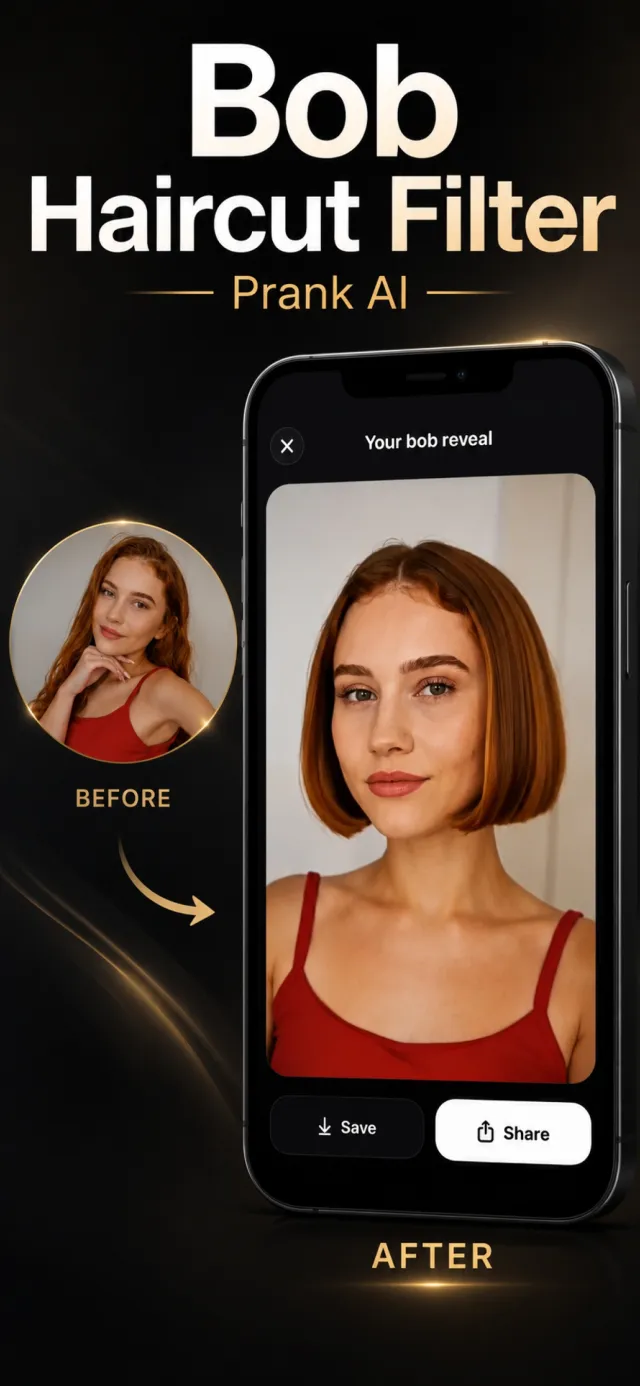
Bob Haircut Filter turns one photo into a viral haircut-reveal video in a few minutes. Free on the App Store.